
How to Identify a Genuine Loan App in India (and Avoid Fake Ones)
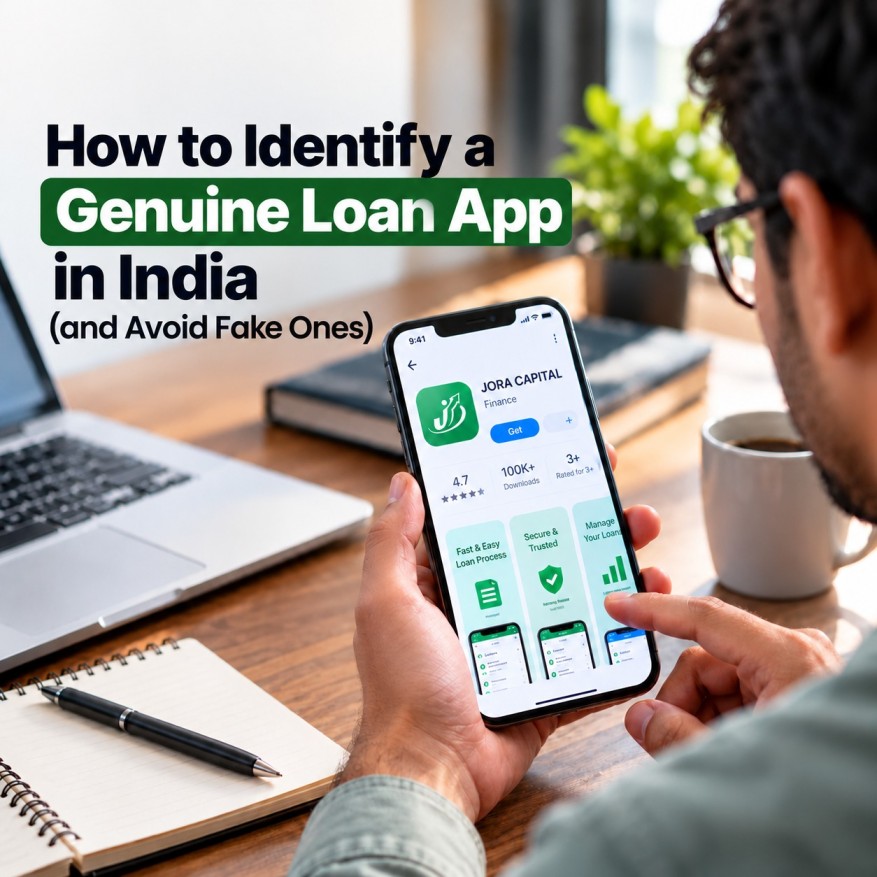
Instant loans on your phone have made credit easier to reach for millions of Indians. But the same convenience has attracted scammers. Fake loan apps lure people with "no documents, instant approval" ads, grab access to their contacts and photos, and then harass them for money, often with threats and morphed images sent to family and friends.
The good news is that genuine apps follow clear RBI rules, and those rules give you simple ways to tell real from fake. This guide shows you how to check any loan app in a few minutes, what red flags to watch for, and exactly where to complain if something goes wrong.
How a genuine digital lending app works
In India, a loan app is legitimate only if the loan comes from an RBI-regulated lender, which means a bank or a registered NBFC (Non-Banking Financial Company). The app itself is either that lender's own app, or it is a technology partner working on the lender's behalf. Either way, the regulated lender stays fully responsible for how the app treats you.
Here is what a genuine app does under RBI's digital lending rules:
- Names its lender clearly. The bank or NBFC behind the loan is shown openly, so you can verify it.
- Moves money directly. The loan goes from the lender's bank account to yours, and your repayments go straight back to the lender. No personal UPI IDs, no random wallets and no middlemen holding your money.
- Shows a Key Fact Statement (KFS) before you sign. This one-page summary lists the interest rate, all fees, the total cost of the loan and the APR (Annual Percentage Rate). Charges that are not in the KFS cannot be demanded from you later.
- Uses proper digital signing. You get a complete loan agreement, signed electronically, and a copy is sent to your email or phone.
- Gives you a cooling-off period. You can exit the loan within a short window by returning the principal plus interest for the days you held it, without any penalty.
- Never raises your limit without asking. Credit limit increases need your clear consent.
- Asks for limited permissions. More on this below.
The 6-step check before you install or borrow
1. Find the lender's name
Look inside the app and on its store page for the name of the bank or NBFC that actually gives the loan. If you can't find it, or the app is vague about who lends the money, walk away.
2. Verify it on the RBI website
Search for that bank or NBFC name in the lists published on the RBI website at https://www.rbi.org.in. An NBFC must hold a valid Certificate of Registration. RBI also requires banks and NBFCs to publicly list the digital lending apps they use, so you can confirm that the specific app is actually linked to that lender.
3. Check the Google Play listing
Google Play has special rules for loan apps in India. The listing should name the lending partners and explain the loan terms, such as repayment period and maximum APR. If an app is only available as an APK file sent through WhatsApp, SMS or a random website, treat it as a warning sign.
4. Look at the permissions it asks for
A genuine loan app has no reason to read your contacts, SMS inbox, call logs or photo gallery. Camera access for KYC, and sometimes location to confirm your address, are normal. If an app refuses to continue until you allow access to your contacts or messages, uninstall it immediately.
5. Never pay to receive a loan
If anyone asks for a "security deposit", "insurance fee" or "processing fee" through a UPI transfer before your loan is released, it's a scam. Genuine lenders deduct charges from the loan amount or include them in the disclosed APR, and these are listed in the KFS.
6. Read the terms before you accept
Check the KFS for the total repayment amount, the APR and the penalty charges. Be suspicious of loans that demand repayment in just 7 to 15 days, or that give you much less than the amount you applied for.
Genuine vs fake: quick comparison
|
What to check |
Genuine loan app |
Fake loan app |
|
Lender |
Named bank or NBFC with valid RBI registration |
No clear lender, or a copied or invented registration number |
|
Money flow |
Direct between lender's account and yours |
Personal UPI IDs, odd wallets or middlemen |
|
Loan documents |
Key Fact Statement and a signed agreement |
No KFS, only a tick box or OTP |
|
Permissions |
Camera and location for KYC, if needed |
Insists on contacts, SMS, gallery and storage |
|
Fees |
Disclosed upfront and part of the APR |
"Deposit" or "processing fee" before disbursal |
|
Where you get it |
Official app store with lender details |
APK links on WhatsApp, Telegram or SMS |
|
Recovery |
Polite, regulated and within RBI's Fair Practices Code |
Threats, abuse and messages to your contacts |
How fake loan apps trap people
The pattern is depressingly similar across many scams:
- The bait: An ad promises instant loans with no documents and guaranteed approval.
- The permission trap: The app won't work unless you allow access to contacts, messages and photos. Your data is quietly copied.
- The loan: You receive less than you applied for, with extremely high charges and a very short repayment time.
- The extortion: When you can't repay, agents call and message you, then contact your family, friends and employer. Some threaten to circulate morphed photos.
- The endless demand: Paying once doesn't stop it. Scammers often come back for more.
If this is happening to you, remember: this is a crime and you are the victim, not the offender.
What to do if you've been caught by a fake loan app
- Stop paying and stay calm. Don't send more money, and don't give in to threats.
- Save the evidence. Take screenshots of the app listing, messages, call logs, threats, bank statements and UPI transactions.
- Uninstall the app and revoke permissions. Then change your passwords and tell your family or colleagues to ignore any messages about you.
- Call 1930 immediately. This is the national cybercrime helpline. Report quickly, especially if money was taken, because fast reporting improves the chance of stopping the transaction.
- File an online complaint at https://cybercrime.gov.in under financial fraud, loan app fraud.
- Report the unregistered entity on RBI's Sachet portal at https://sachet.rbi.org.in, which routes complaints against unauthorised lenders to the relevant state authorities.
- Report scam calls, SMS or WhatsApp messages through the Chakshu facility on the Sanchar Saathi portal at https://sancharsaathi.gov.in.
- Ask for an FIR. Harassment, threats, extortion and circulating obscene or morphed images can be crimes under the Bharatiya Nyaya Sanhita and the IT Act. If the police treat it as a mere loan dispute, speak to a lawyer about approaching a Magistrate.
If a genuine lender treats you unfairly
Problems can happen with registered lenders too, such as hidden charges or aggressive recovery agents. In that case:
- Write to the lender's Grievance Redressal Officer and keep a copy of your complaint.
- If you get no reply within 30 days, or you're unhappy with the response, escalate to the lender's Nodal Officer.
- Still unresolved? File a free complaint with the RBI Ombudsman through the RB-IOS portal at https://cms.rbi.org.in.
Note that the RBI Ombudsman handles complaints against regulated entities. For fake or unregistered apps, use Sachet, 1930 and cybercrime.gov.in as described above.
Your data, your rights
India's Digital Personal Data Protection Act, 2023 strengthens your control over your personal information. Genuine lenders must protect your data, collect only what they need and handle it with your informed consent. After you repay and close your loan, you can ask a lender to delete your personal data, subject to legal record-keeping requirements.
Quick safety checklist
- The lender is a named bank or NBFC that I verified on the RBI website
- The app is on the official Play Store and does not demand contacts, SMS or gallery access
- I received a Key Fact Statement before accepting
- Money goes directly between the lender and my bank account
- I was not asked to pay any fee upfront
- I know the total amount I'll repay and by when
If even one of these is missing, stop and re-check before you go further.
Borrow smarter with Jora Capital
At Jora Capital, we believe borrowing should be clear and stress-free, with no confusion and no unpleasant surprises. Download our app and take control of your credit journey today.
- Get the Jora Capital app on Google Play: https://play.google.com/store/apps/details?id=com.joracapital.app&hl=en_IN
- Visit our website: https://joracapital.co/